
A question in the moment
Come across an unfamiliar idea or need a place to start? Ask in your own words and request a practical example.
“Can you explain that more simply, with an everyday example?”
MROYA IN TELEGRAM
To talk to Mroya in Telegram, sign in to your Mroya account and link it to the messenger. Mroya opens a conversation with its official bot. Once connected, you can ask questions right there in Telegram.
Connect Telegram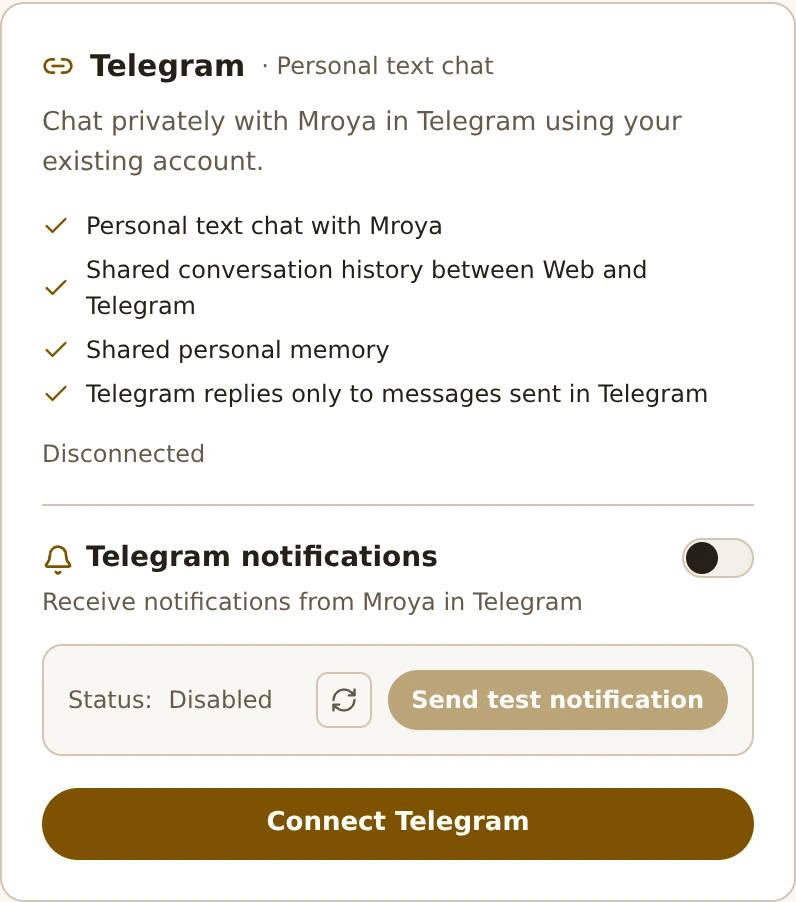
Features
Telegram is a convenient place for quick questions during the day. The web app is there when you want more room to work with your information.
Come across an unfamiliar idea or need a place to start? Ask in your own words and request a practical example.
“Can you explain that more simply, with an everyday example?”
A thought arrives while you are out, or a task comes to mind. Describe it in chat and explore what you could do next.
“I have an idea for the weekend. Help me think of a few options”
Preferences and notes saved in Mroya can be useful background for a new question. Say which information you want to revisit.
“What did I save about my travel plans?”
GETTING STARTED
The Connect Telegram button on this page takes you there. From inside the app, open Settings → Connections → Telegram.
Select Connect Telegram. If a tab doesn’t open, select Open Telegram. Press Start in the conversation with the bot.
Return to Mroya and select Check connection if the status hasn’t updated. Once it says Connected, try sending the bot “I have a free evening. Help me pick one thing to do.”
LET’S CLEAR THINGS UP
Conversations in Telegram use the messenger itself. Your Mroya account opens in a browser for managing your account and its features.
Conversation is one way to use Mroya. Personal context is a central part of the assistant: saved information helps you return to your own topics and plans.
Go through the app at app.heymroya.com. Do not share account information with a bot found only by a similar name.
LET’S START WITH YOUR IDEA
A big plan or a little question. Either is a good way to get to know Mroya.
Get startedYour AI. Your context. Your pace.