
Your preferences
Small towns, long walks and a slower pace? Save those preferences so a conversation about your next trip has a useful starting point.
“Use my saved travel preferences to help plan a weekend”
MROYA MEMORY
To use a detail in a new chat, save it to Mroya’s memory and check the entry. If you usually travel by train, for example, save that preference. When you plan your next trip, ask Mroya to use it when suggesting a route.
Get started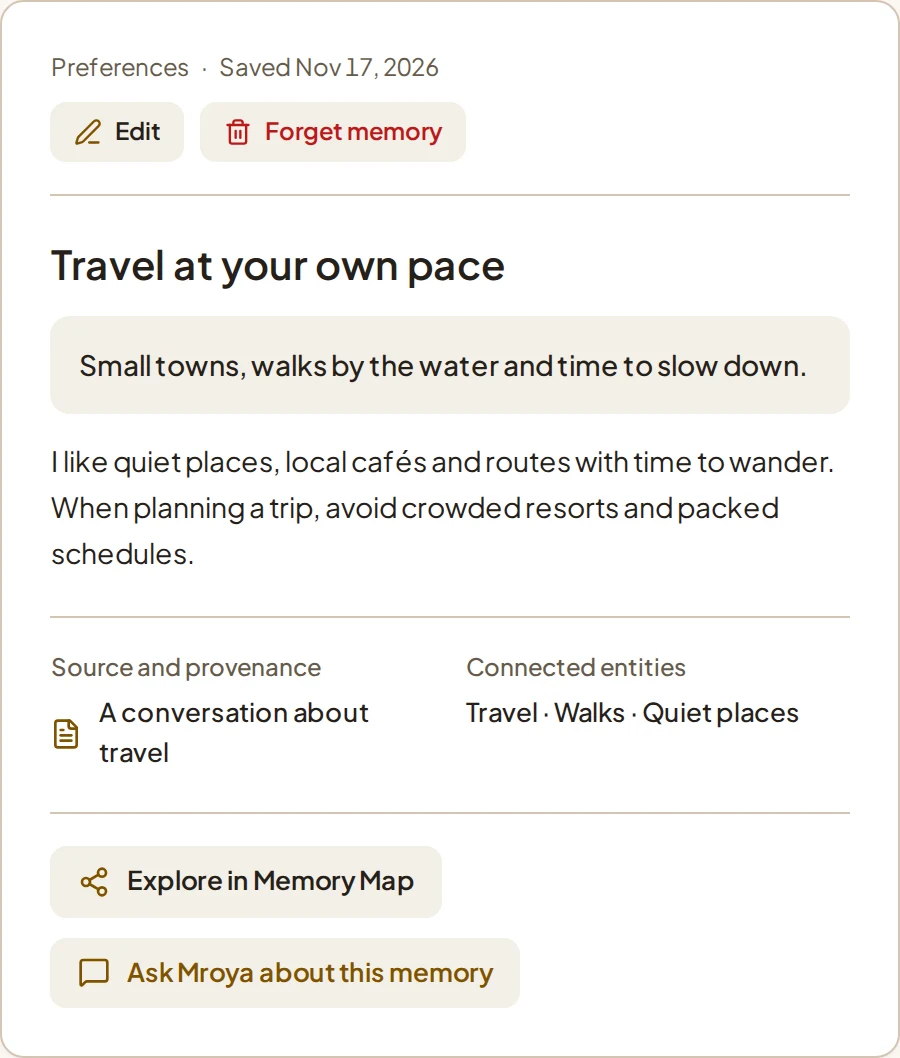
Features
Memory helps when a one-line question leaves out the context. Keep the useful background, then spend your time on the next part of the problem.
Small towns, long walks and a slower pace? Save those preferences so a conversation about your next trip has a useful starting point.
“Use my saved travel preferences to help plan a weekend”
A hobby, home project or study plan can sit untouched for weeks. Save the goal, constraints and decisions so returning to it takes less effort.
“Let's get back to my project. What details did I save?”
A useful thought should not disappear into messages to yourself. Keep important information together and bring it back into a conversation.
“Find the weekend ideas in my saved information”
GETTING STARTED
Start with a few preferences or one project. You do not need to move your whole life into a new tool on day one.
Save the information in Mroya's memory and check the wording. It should describe what you actually want the assistant to use.
Ask Mroya to use that saved information next time. Update the context when your plans or circumstances change.
LET’S CLEAR THINGS UP
Work with the information you have saved in memory. Conversation history and saved personal context are different things. If a detail matters, save it explicitly.
With ordinary notes, you search and read. In Mroya, saved information can also become context for a question: find a detail, think through options or continue a previous topic.
Yes. Personal context can make an answer more relevant, but it does not make AI infallible. Check important facts and keep saved information up to date.
LET’S START WITH YOUR IDEA
A big plan or a little question. Either is a good way to get to know Mroya.
Get startedYour AI. Your context. Your pace.